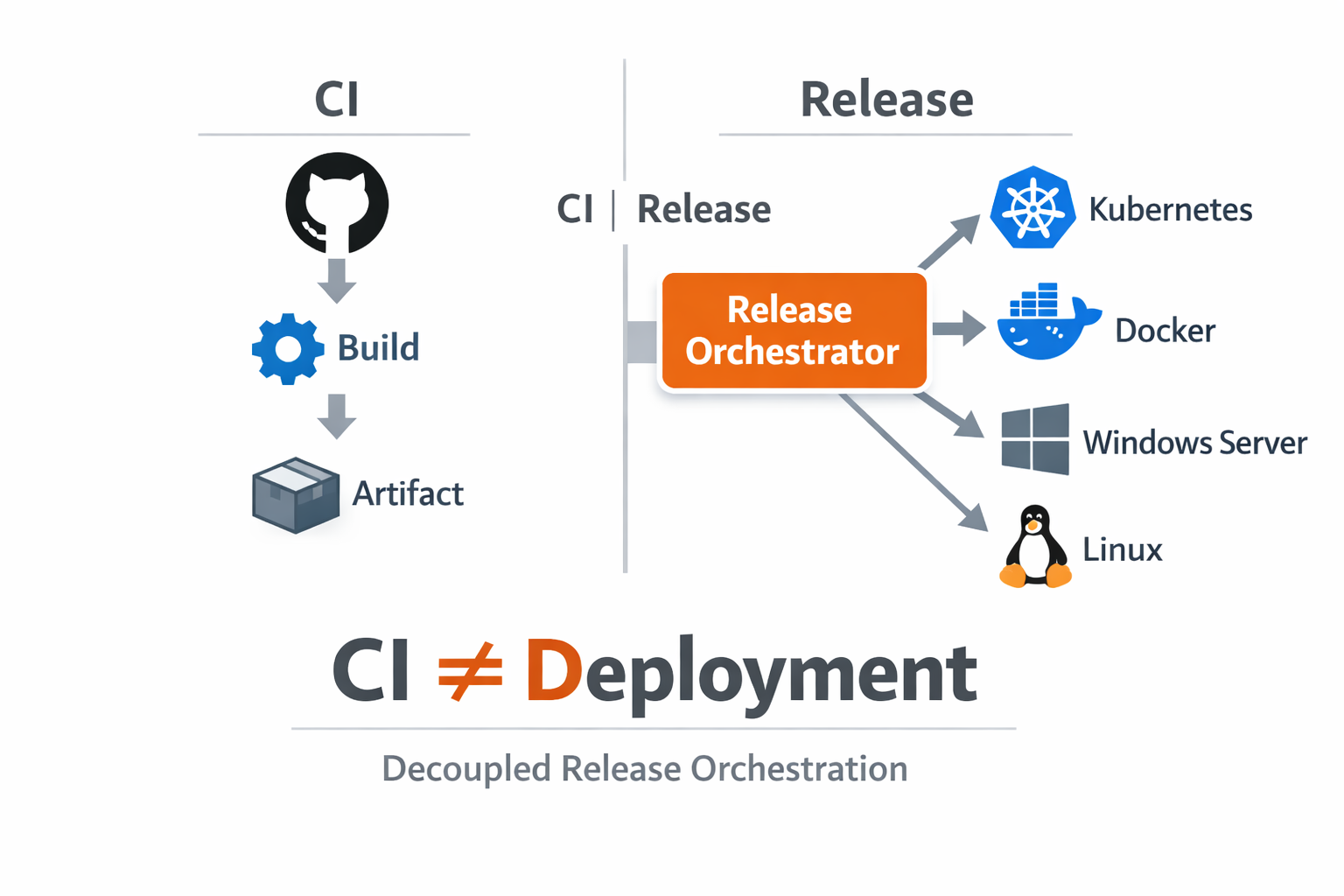
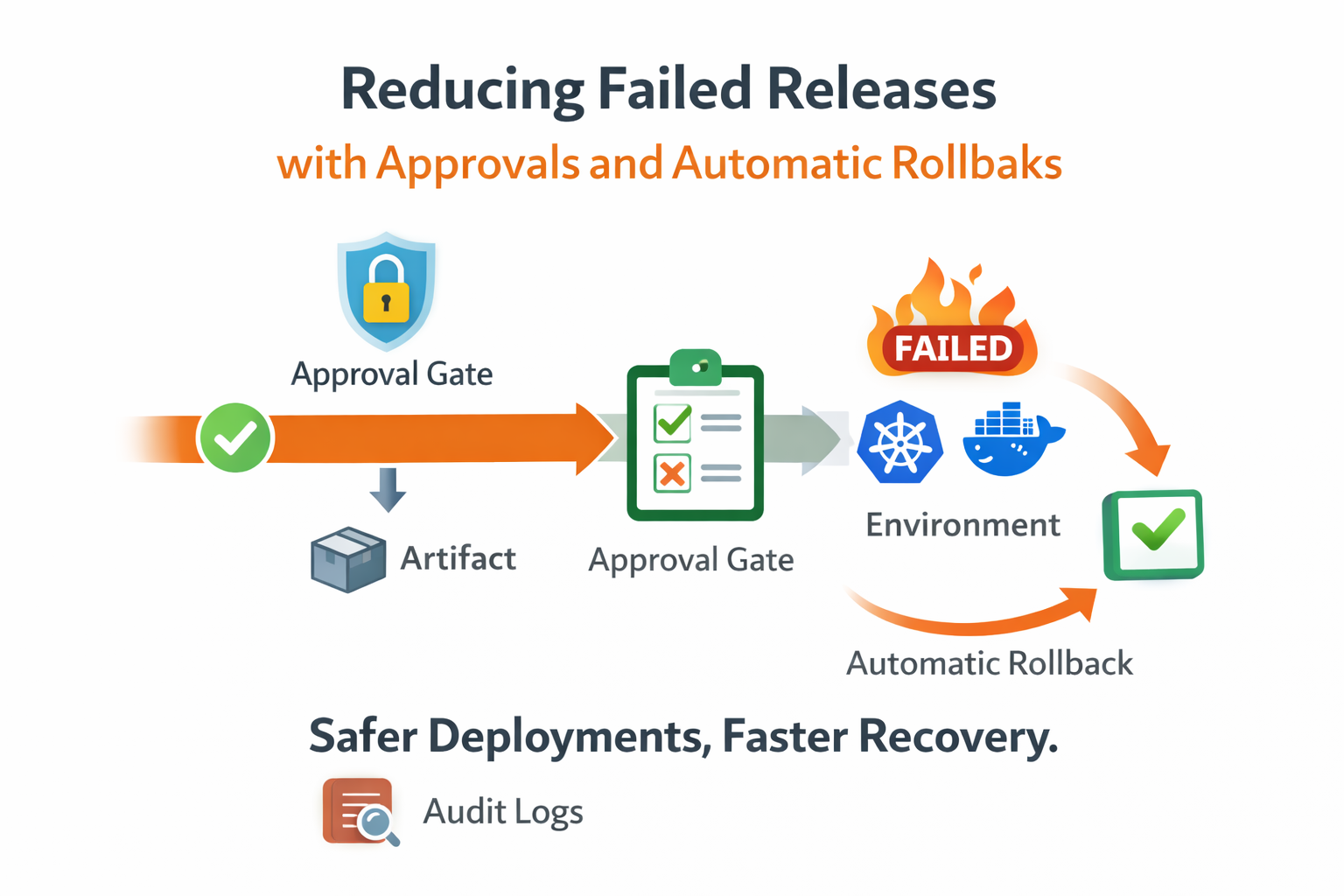
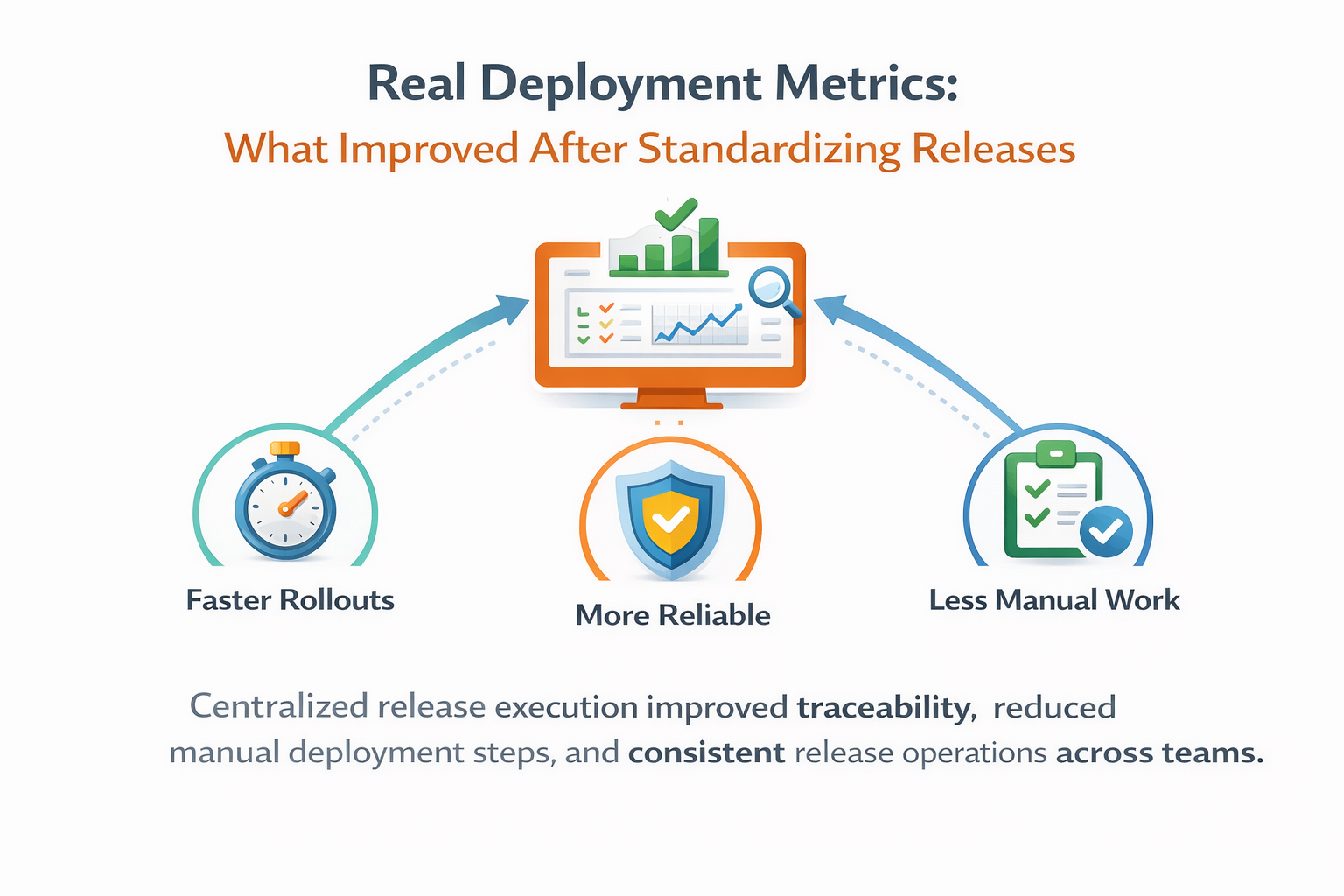
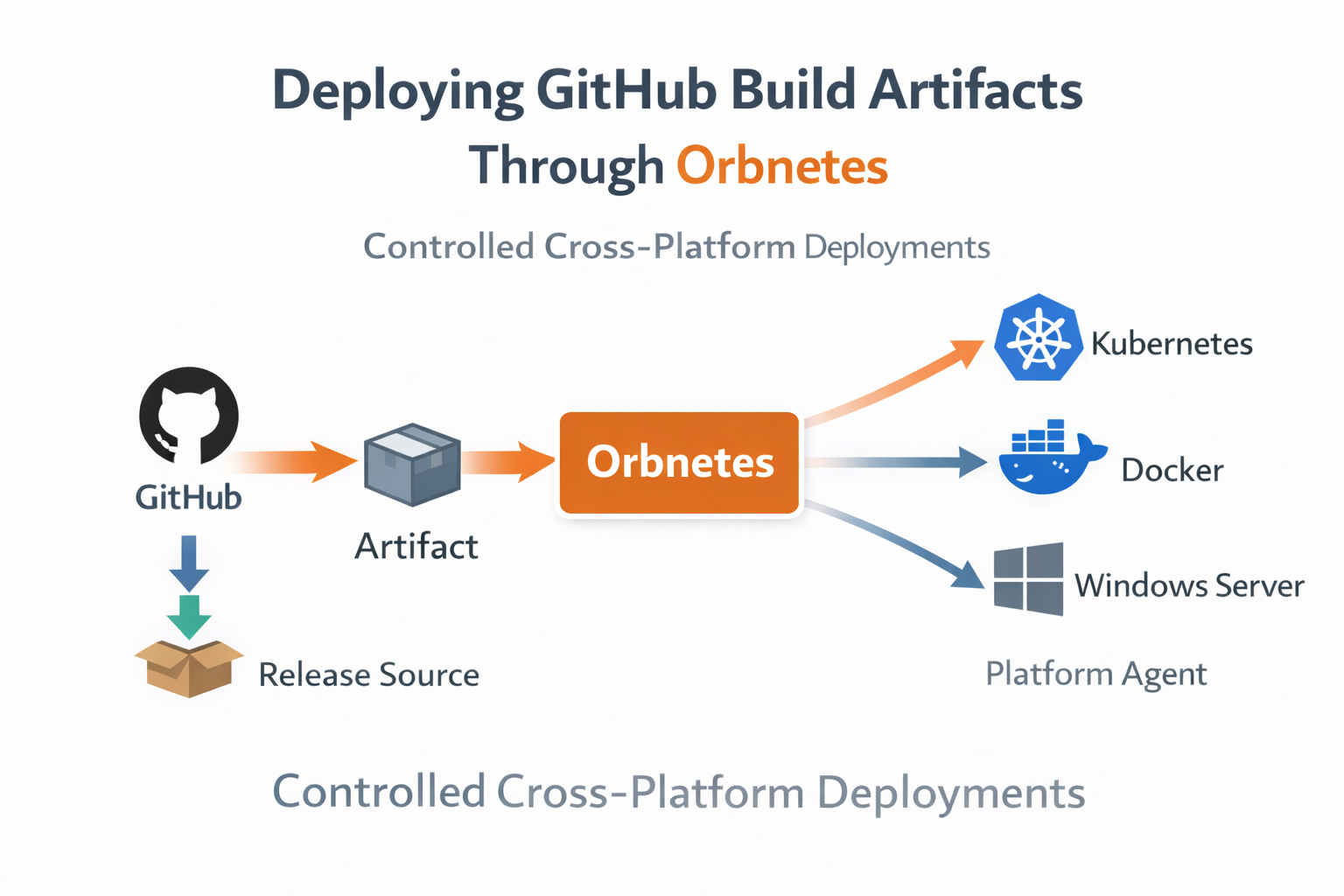
Step-by-step flow for importing GitHub artifacts into release sources and deploying them through controlled multi-environment pipelines.
Our build system already published artifacts to GitHub Releases, but deployment remained loosely coupled. Teams copied URLs into runbooks, downloaded files manually on hosts, and launched environment-specific commands with limited traceability. The artifact source was stable; the deployment path was not.
We moved to a source-driven release model where GitHub Releases became a first-class provider in Orbnetes. Instead of manual file handling, operators now select source, tag, and asset in release creation. That selection is persisted as release metadata and passed into pipeline runtime context.
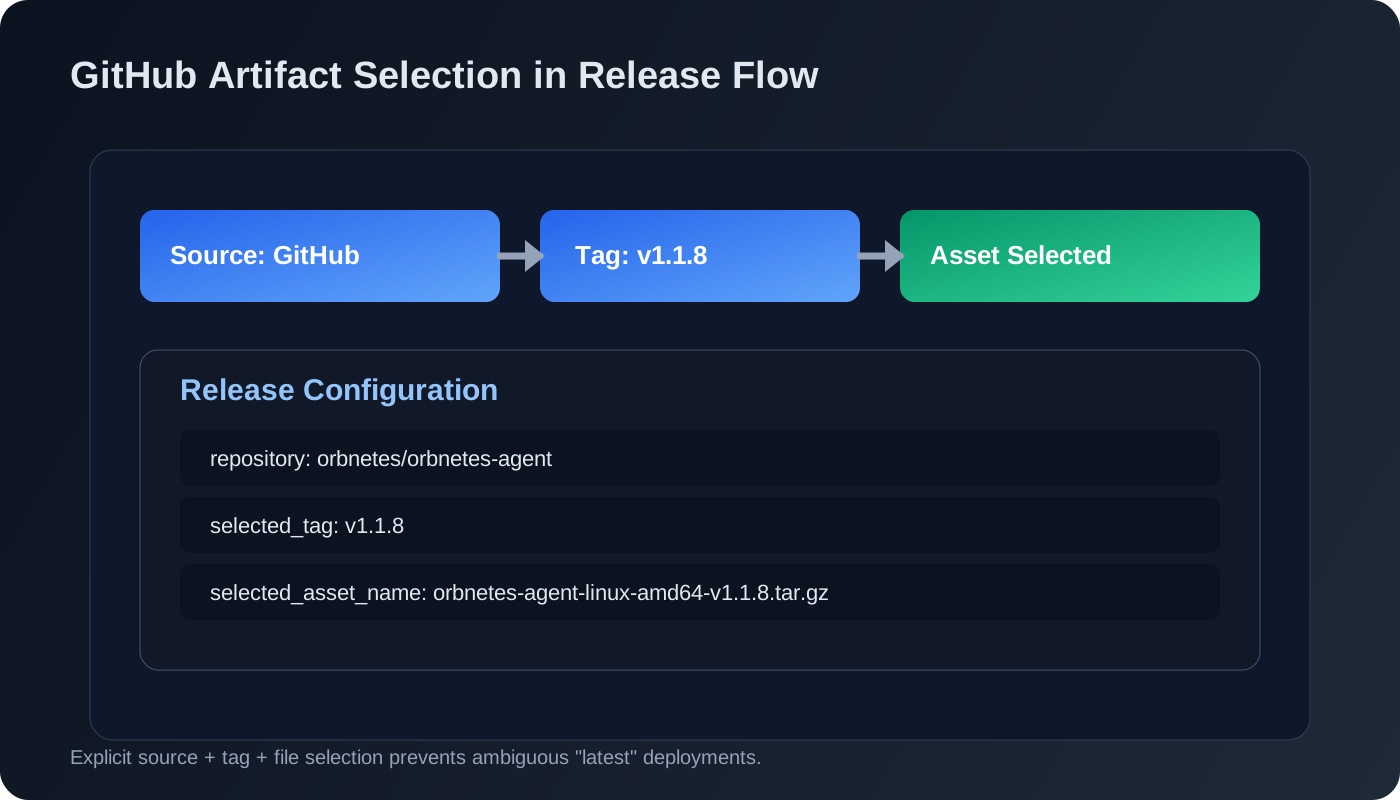
The implementation started with repository mapping and token-scoped API access. Once source integration was validated, we confirmed tag discovery and asset listing behavior across release versions. This step mattered because inconsistent naming conventions in GitHub assets can break deployment assumptions if not standardized.
Next we aligned artifact naming. Every build now publishes predictable files per OS and architecture and includes version in filename. That made operator selection explicit and reduced mistaken deploys where similarly named files differed only by hidden build metadata.
At launch time, Orbnetes binds selected artifact file to runtime through release context. Deployment jobs consume that selection directly, which removed "download latest from URL" logic from scripts. The pipeline always runs against the exact file chosen in the release UI or API.
source: github
repository: orbnetes/orbnetes-agent
selected_tag: latest
selected_asset_name: orbnetes-agent-linux-amd64.tar.gz
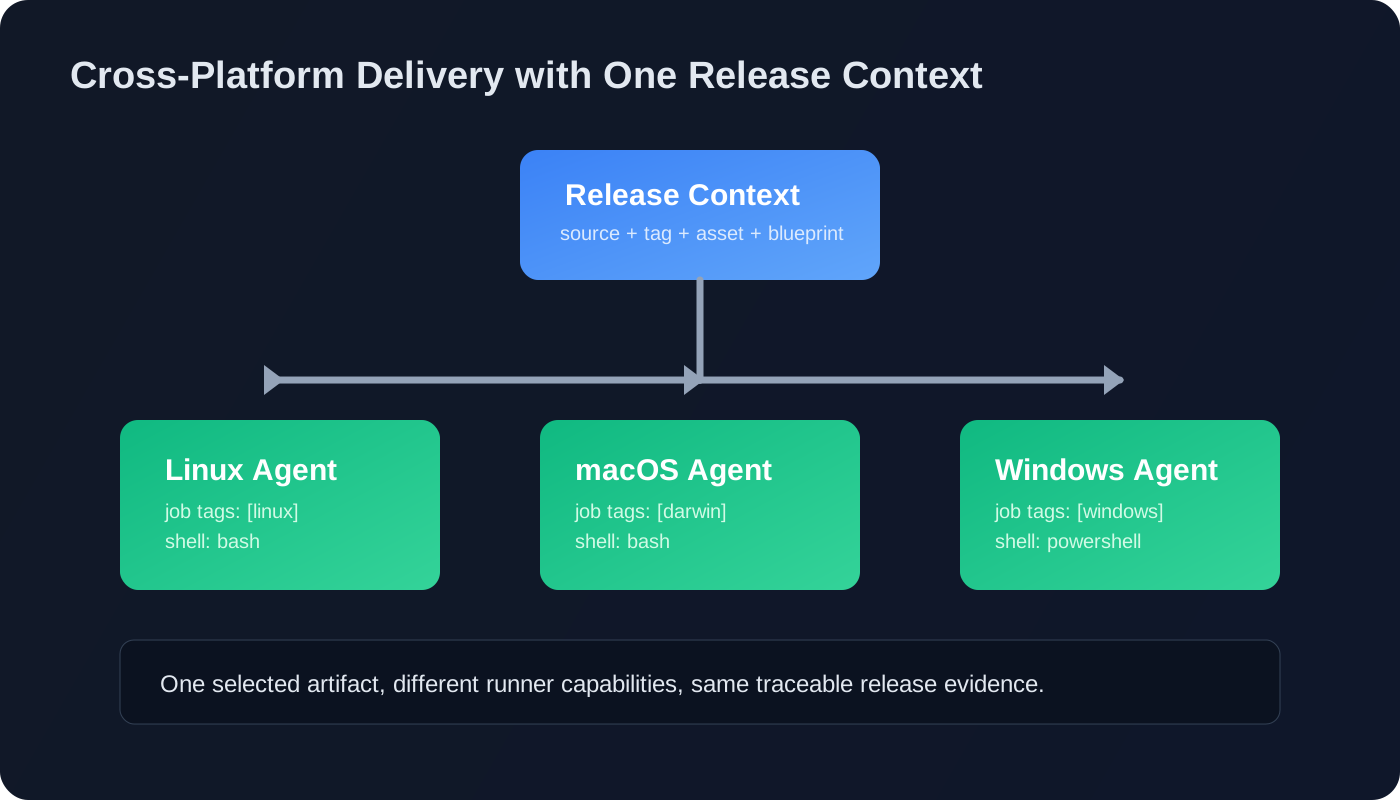
Cross-platform execution became cleaner as well. Linux, macOS, and Windows agents all use the same release object but execute platform-specific steps based on job tags and shell type. The source-of-truth artifact remains identical, while host-specific handling stays inside blueprint jobs.
This architecture improved reproducibility in two ways. First, a release references exact source/tag/file, so reruns and investigations use identical artifact context. Second, environment promotions no longer require re-discovery of files; the selected artifact is already known and traceable.
We also added checksum verification as part of install/deploy steps where applicable. Even when artifacts are trusted, verifying integrity at execution time reduced risk from partial transfers and mirrored the same security posture used in our runner binary distribution.
Operationally, the biggest difference was incident clarity. When a deploy failed, we no longer asked "which binary did this host receive?" The answer was in the release details. From there, we could inspect job logs, compare with prior successful runs, and decide rerun or rollback with confidence.
The approach scaled into API automation too. External systems can create releases with selected tag and asset name, preserving the same controlled path as UI-driven deployments. This enabled integration without bypassing governance controls around approvals and audit.
A practical side effect was reduced host drift. Since deployment steps consume a selected artifact rather than ad-hoc download endpoints, teams stopped introducing environment-specific shortcuts. That made behavior more consistent across infrastructure tiers and simpler to document.
If you already publish artifacts to GitHub Releases, the fastest adoption path is to connect one repository as a release source, standardize asset names, and deploy one service through an explicit source-tag-file flow. You will get immediate gains in traceability before touching broader pipeline complexity.
Key takeaways
- Use GitHub Releases as a controlled deployment source.
- Select exact tag and file before execution starts.
- Keep the same artifact context across platforms and reruns.